
How to Choose a POS System for a Restaurant in Sri Lanka
Test the system with your own menu and a typical order. See how it handles a busy counter, an internet interruption and a last-minute change to a dish or its photo.
By Caspersoft
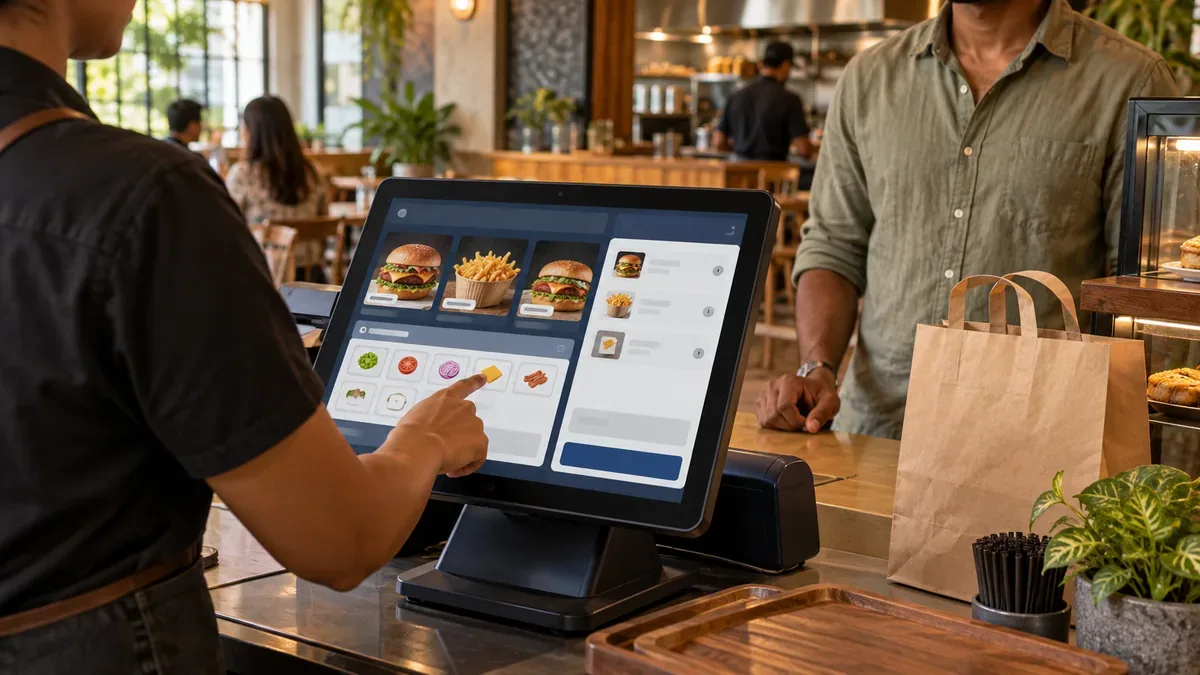
At a Colombo café, a single takeaway order might be an iced latte with oat milk and a chicken roll warmed at a separate station. Across town, a dine-in restaurant may need to add a second round to an open table and split the bill. If you’re looking for the best POS system in Sri Lanka for your business, run the orders your staff actually take and see where the work slows down.
What POS system is suitable for a café?
A single-outlet café can start with fast counter billing, size and milk options, takeaway tickets and a shift report. Ask a cashier to enter a large cappuccino with an extra shot and oat milk, then check the price, the barista ticket and the customer receipt. If you sell pastries in limited batches, try marking a sold-out item unavailable during the demo.
For dine-in service, try a table order with both drinks and food. Check that the kitchen order ticket (KOT) reaches the kitchen and the beverage ticket reaches the bar or coffee station. If you take bookings, test an online reservation from a guest’s phone through to staff confirmation and seating.
Test offline billing with the internet disconnected
Ask the supplier to run a practice sale while the venue’s internet is disconnected and the local network stays on. Use the terminals, printers and kitchen display you plan to install. Take an order, send it to the kitchen, record a cash payment and print the bill. Reconnect and check that the sale appears once in the day-end report.
Ask which functions need internet, including card or QR payment confirmation, online reservations and remote reports. If power interruptions are part of your planning, ask which terminals, network devices and printers need backup power. The CXPOS local runtime overview explains how configured devices communicate over the venue network.
Manage menu items and photos from one Item Master
The Item Master is the central list of the items you sell. Ask the manager who updates your menu to add a weekend rice-and-curry special. Have them set its category, price in LKR, available portions and extras, then upload a photo and replace it with a new one. For multiple outlets, check which changes apply everywhere and which can vary by branch.
Open the same item at the till and on the customer-facing digital menu, if you use one. Check that the correct price and photo appear and that the image looks good on a phone. Ask whether the system can crop or resize photos during upload, or whether staff should prepare the image first. In CXPOS, staff with the right access can upload, preview, replace or remove an item photo from the Item Master.
Check Sri Lankan receipts, payments and support
Bring one of your receipts and ask the vendor to reproduce it in Sri Lankan rupees with the service charge and tax treatment your accountant specifies. If you accept cash, card or QR payments, compare each payment total on the shift report with the cashier’s count or the payment provider’s records. If your team works in Sinhala, Tamil or English, let them try the screens and check how local dish names print on receipts and kitchen tickets.
Find out who imports the menu, checks the existing printers and trains the opening team. Ask who answers if a printer fails during Saturday dinner service and which visits, equipment and integrations cost extra. Use the Sri Lankan restaurant POS cost guide to compare written quotes on the same basis.
Bring a real menu and receipt to your demo
Pick a best-selling order, one item you change regularly and a recent shift report. Ask each vendor to run the same tests so your cashier, kitchen lead and manager can compare the results.
Request a CXPOS restaurant demo