
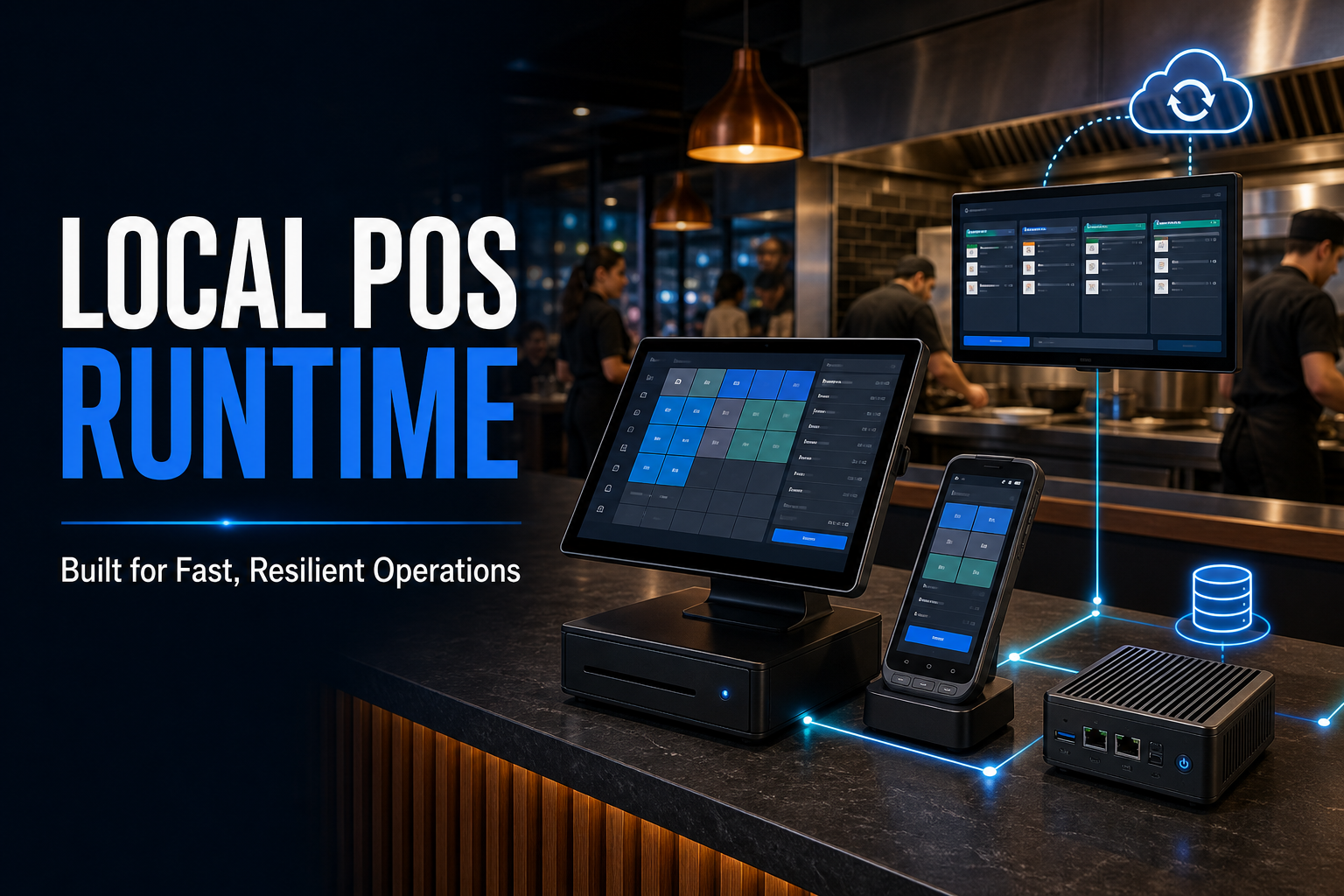
At the point of sale, responsiveness matters. Staff need item searches, order updates, kitchen routing, and supported transactions to keep moving even when internet connectivity is slow or temporarily interrupted.
The CXPOS Local POS Runtime brings operational data closer to the devices using it. It provides a local foundation for supported POS workflows while maintaining a path to cloud synchronization and centralized services when connectivity is available.
Offline support, stated precisely
CXPOS supports core on-site workflows such as billing, KOT printing, and bill settlement during an internet interruption, with supported data synchronizing back to the cloud after connectivity returns. This does not mean that every CXPOS feature or external integration operates fully offline.
Runtime capabilities
Local speed with connected operations
Local SQLite-backed operational data
Frequently used operational data is stored close to the POS, reducing dependence on a remote round trip for everyday tasks.
Faster POS lookups and transactions
Local data access helps screens respond quickly when staff search items, build orders, and complete supported transactions.
Local-network device access
Authorized terminals and operational displays can communicate with the runtime over the venue network.
Runtime health monitoring
Health visibility helps teams confirm that the runtime is available and identify operational issues sooner.
Portable backup support
Portable backup workflows provide an additional way to protect and move supported operational data when required.
Windows and Android options
Runtime options for Windows and Android support different venue hardware strategies and deployment needs.
How it fits together
Local when speed matters. Cloud-connected when available.
01
Process locally
The POS reads and writes supported operational data through the local runtime.
02
Connect the venue
Terminals and operational displays communicate across the local network.
03
Synchronize securely
When connectivity is available, supported data can synchronize with CXPOS cloud services.
Deployment flexibility
Windows and Android runtime options
Different businesses use different hardware. A cashier counter may rely on Windows terminals, while a compact outlet or mobile operating point may benefit from Android hardware. CXPOS runtime options are designed to support both environments.
That flexibility helps Caspersoft match the deployment to the venue instead of forcing every restaurant or retail operation into one hardware pattern.
Built for continuity at the counter
The Local POS Runtime is part of the wider CXPOS approach: keep time-sensitive operational work close to the business, connect devices clearly, monitor the runtime, protect supported data, and synchronize with cloud services when the connection is available.