
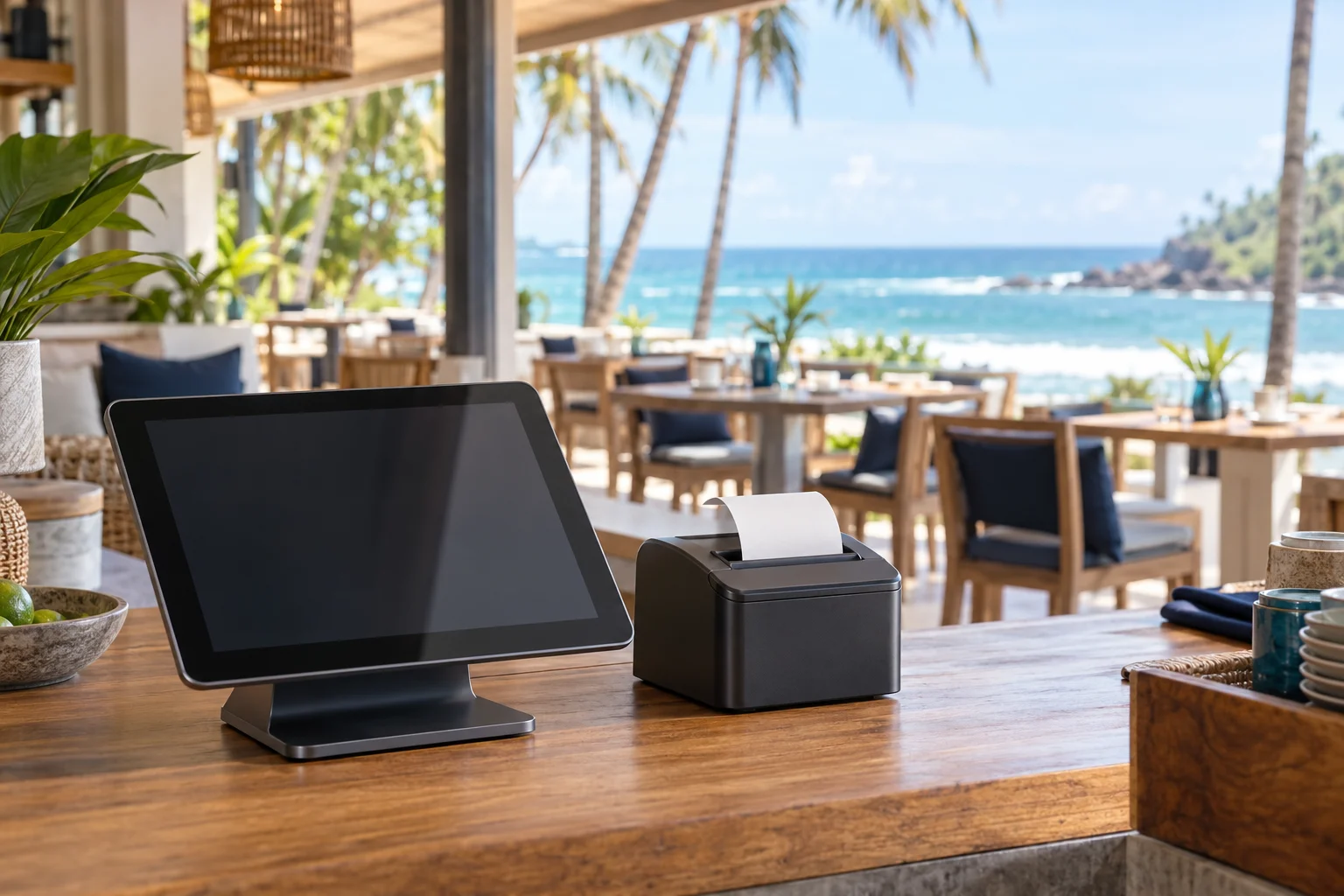
When the coast gets busy, the counter should feel simple. Your team needs to take an order, move it through service, and close the bill without slowing the queue.
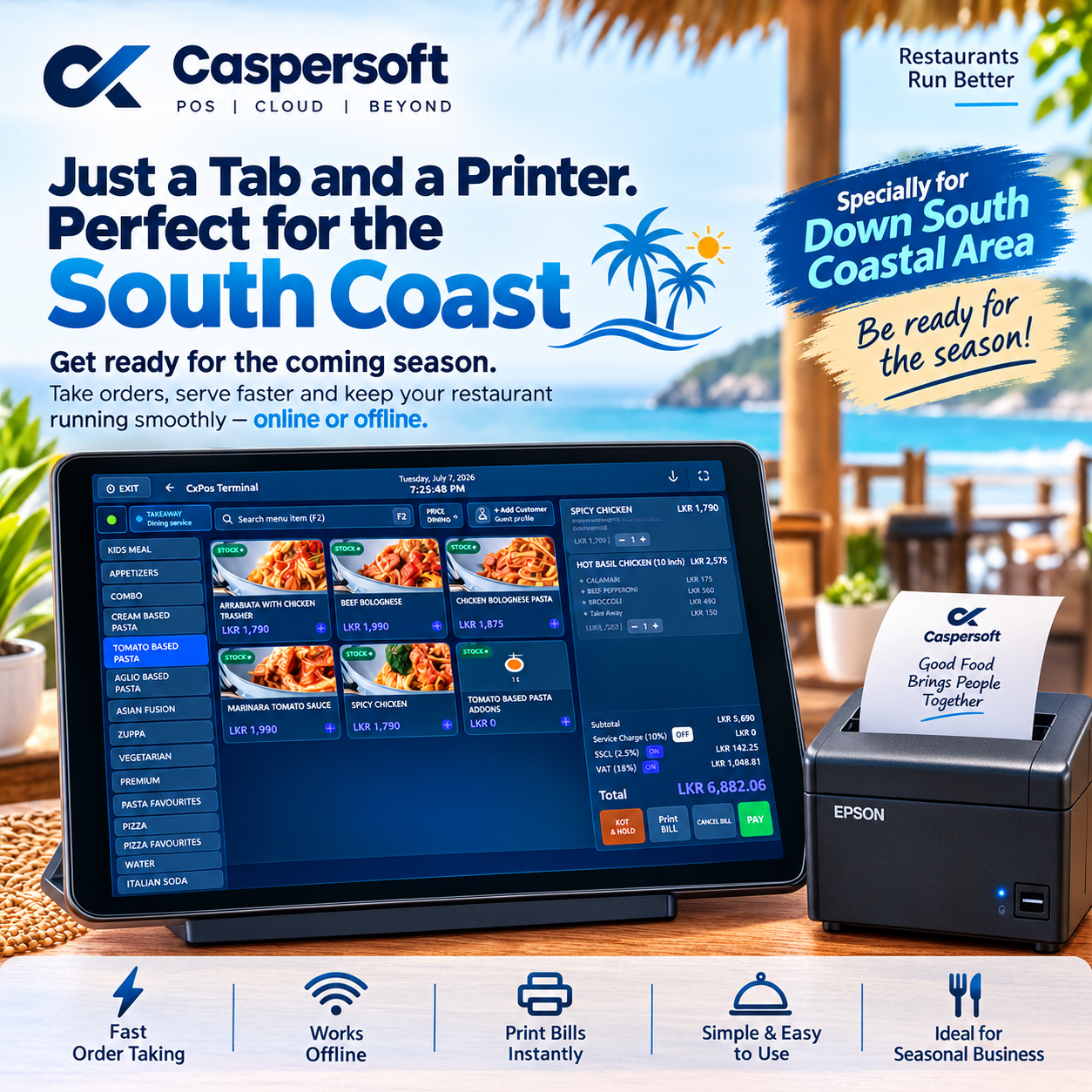
Caspersoft’s South Coast campaign puts the essentials in focus: a compatible tablet running CXPOS and a configured bill printer. It is a practical starting point for cafés, small restaurants, and seasonal dining spots that want a tidy counter and a straightforward daily workflow.
At the counter
The daily flow, in three steps
The hardware can stay compact while CXPOS handles the everyday restaurant tasks behind the screen. The exact devices and printing layout are selected for each venue.
Take the order
Use a compatible tablet at the counter to select menu items and build the customer’s order.
Keep service moving
CXPOS supports the core restaurant flow, including billing and configured kitchen-order printing.
Settle and print
Complete the bill and print a customer receipt through a compatible, configured printer.
Online or offline
Keep the essentials moving when the internet drops.
CXPOS supports core on-site work such as billing, KOT printing, and bill settlement during an internet interruption. Supported data can synchronize back to cloud services when connectivity returns. Features that depend on outside services may still need an active connection.
Read about the local POS runtimeWhy it suits the season
A small setup with room for a busy day
A lighter counter footprint
A tablet-led setup can suit compact cafés and busy service counters where space matters.
Faster routine service
Orders, billing, and receipt printing stay in one familiar front-counter workflow.
Core work during an outage
Supported on-site billing, KOT printing, and bill settlement can continue through an internet interruption.
Room to grow
Start with the counter setup that fits your venue and discuss other CXPOS features as the business needs them.
The campaign
Made for restaurants down South
The message behind the South Coast post is simple: prepare the team before the season starts, keep ordering easy at the counter, and have bills ready to print when guests are ready to go. From a beach café to a compact dine-in venue, the right setup depends on the menu, service style, and printer placement.
Get ready for the season
Set up your counter for smoother service.
Tell Caspersoft about your restaurant, tablet, printer, and service flow. The team can recommend a CXPOS setup that fits your space and the way you work.
Talk to Caspersoft