
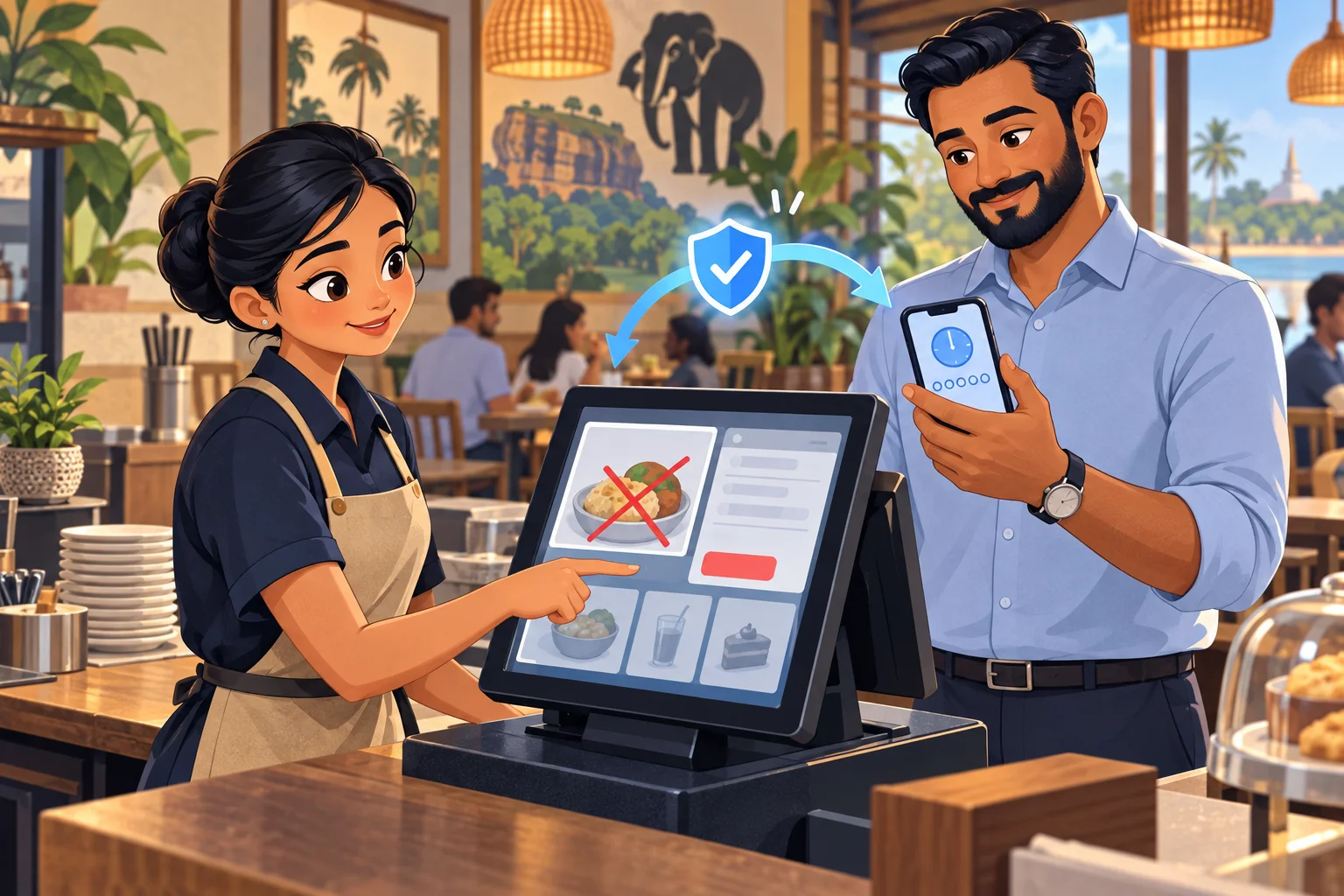
Voids are part of running a real business. An item can be entered twice, a customer can change an order, or an entire bill may need to be cancelled.
The important question is who approves the change. A fixed supervisor passcode can be seen, memorized, or passed between staff. Caspersoft has added an authenticator-based approval option to CXPOS so an authorized person can use a current code from their own app when a cashier requests an item void or bill cancellation.
Simple for the team
From QR setup to approved action
The authorized approver can choose Google Authenticator or another compatible authenticator app. Setup begins by scanning a QR code; daily approval uses the current code shown in that app.
Set up the approver
An authorized approver scans the CXPOS setup QR code with Google Authenticator or another compatible code-generating app on their own device.
Request the change
When an item needs to be voided or a bill cancelled, the cashier starts the action in CXPOS and the approval prompt appears.
Review and approve
The approver checks the bill and enters the current code from their authenticator app before the sensitive action can proceed.
The difference at the counter
A code for this moment, not a PIN for every shift.
Shared static PIN
A code that stays the same can keep working long after someone else has learned it.
Authenticator code
The authorized person's app generates a changing code that is available for a short period.
Where control matters
Four situations worth reviewing
These situations can have completely legitimate explanations. They are also the points where an unreviewed change could hide lost revenue or make reconciliation harder.
Items removed after service
An item voided after it has been prepared or served deserves a closer look, especially when the customer has already paid or expects to pay for it.
Entire bills cancelled
Cancelling a complete bill can remove a sale from normal reporting. A second pair of eyes helps confirm that the cancellation is justified.
Small exceptions repeated
A series of modest voids across a busy shift can be easy to miss in the moment. Void and cancellation reports help managers review patterns later.
A shared PIN passed around
When a fixed supervisor code is observed or shared, it may be reused without the supervisor being present for the decision.
Practical benefits
More confidence in sensitive changes
A code that changes
The current authenticator code is short-lived, so a code remembered from an earlier shift is not a standing approval credential.
Approval stays with the approver
The app is set up on the authorized person’s device, making approval less dependent on a shared code known across the counter.
Choose a compatible app
Teams can use Google Authenticator or another compatible authenticator app by scanning the setup QR code.
More useful oversight
Combined with CXPOS void, cancellation, and authorization reports, managers can review sensitive actions and spot patterns that deserve attention.
Good approval still involves a person
A changing code helps reduce reliance on a shared PIN, but it should not be read out or forwarded as a routine shortcut. Keep the setup QR code and approver's device private, review the bill before approving, and use CXPOS exception reports to follow up on unusual patterns.
See it in CXPOS
Give every void the right level of attention.
Talk with Caspersoft about authenticator setup, approval permissions, and the void and cancellation controls that fit your operation.
Talk to Caspersoft