
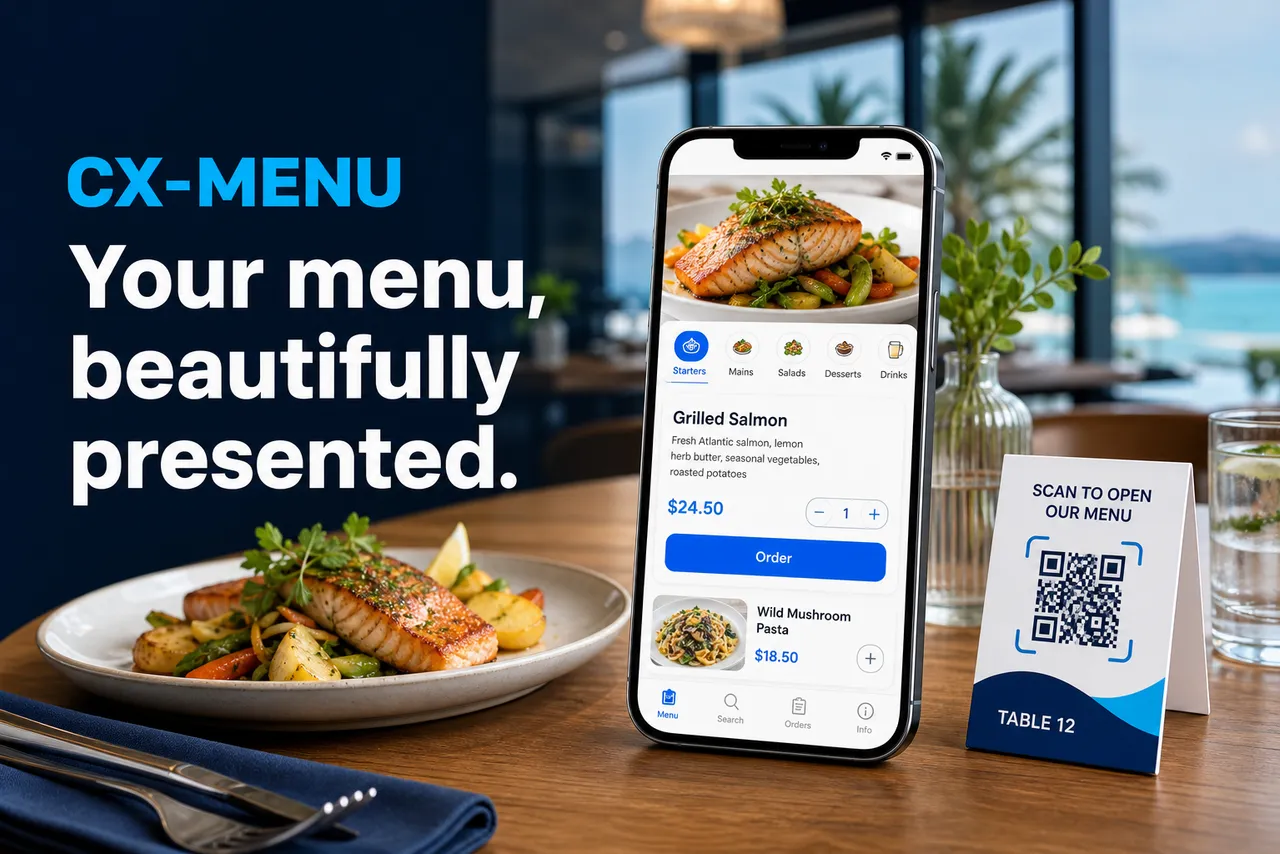
CX-MENU features
Online table reservations
Guests choose a date, arrival time and party size, check availability and request a table from their phone.
Reservation management
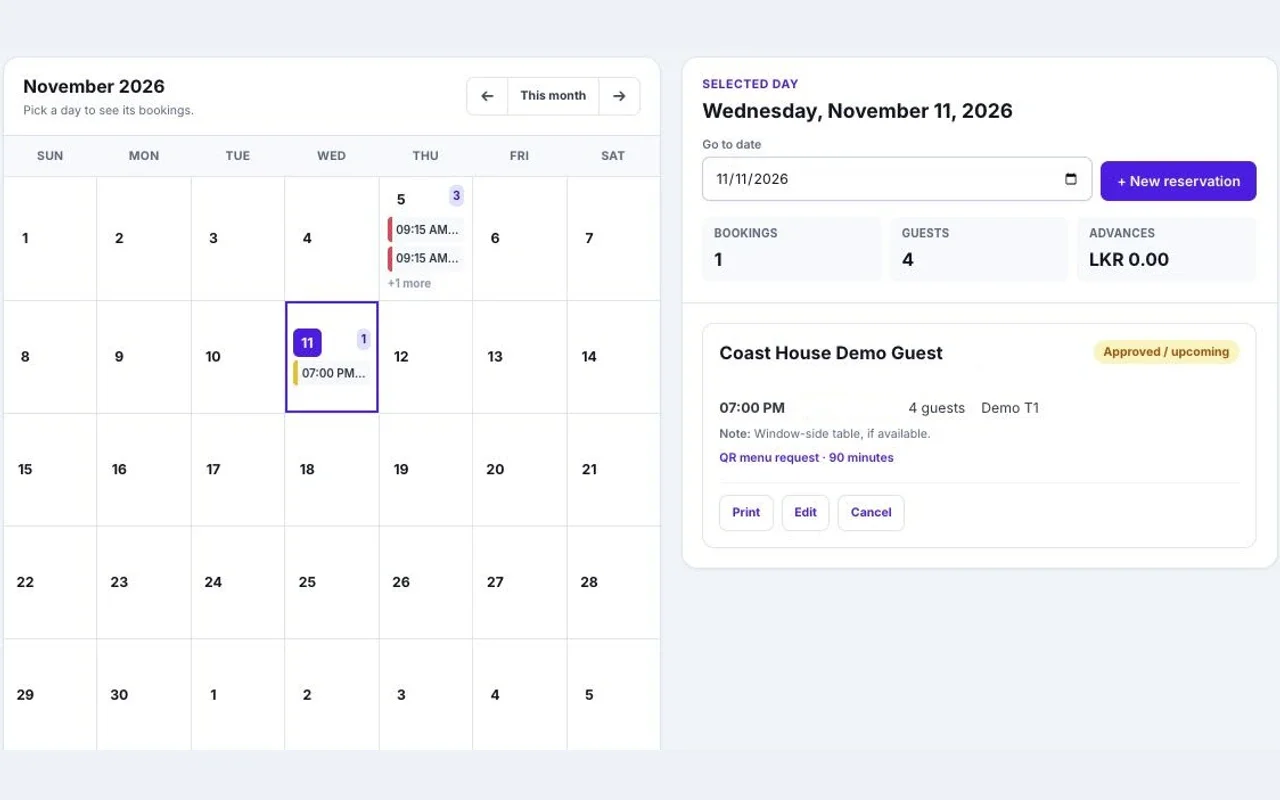
Staff review online requests, approve or decline them and manage upcoming bookings in the CXPOS Table Reservations calendar.
View-only digital menu
View menu on the reservation page opens a mobile menu with categories, item photos, descriptions and prices.
Separate QR ordering
Use the ordering link for enabled services. A table-specific QR code associates dine-in orders with the matching POS table.
How online table reservations work
Open the reservation link or scan its QR code. Guests can choose View menu to browse dishes or Reservation to find an available time, enter their contact details and add a special request. The booking reference lets them check the status or cancel an upcoming booking.
Staff can filter the Table Reservations calendar by location, date and status, then approve or decline requests. Approved bookings are available in the POS for seating. Locations with the current reservation API can also enable automatic confirmation for available tables.
In QR Menu Settings, set booking hours, the length of a table booking and how far ahead guests can book. Availability takes table capacity and existing reservations into account.
Personalized around each business
Each CX-MENU experience can be personalized to create a natural extension of the venue, including the details guests need for the location and service context they are using.
Built for hospitality
One flexible experience across venue types
A restaurant can identify a table, while a hotel can provide room-aware service information. Businesses with multiple locations can present the right menu experience for each outlet while maintaining a consistent brand.